
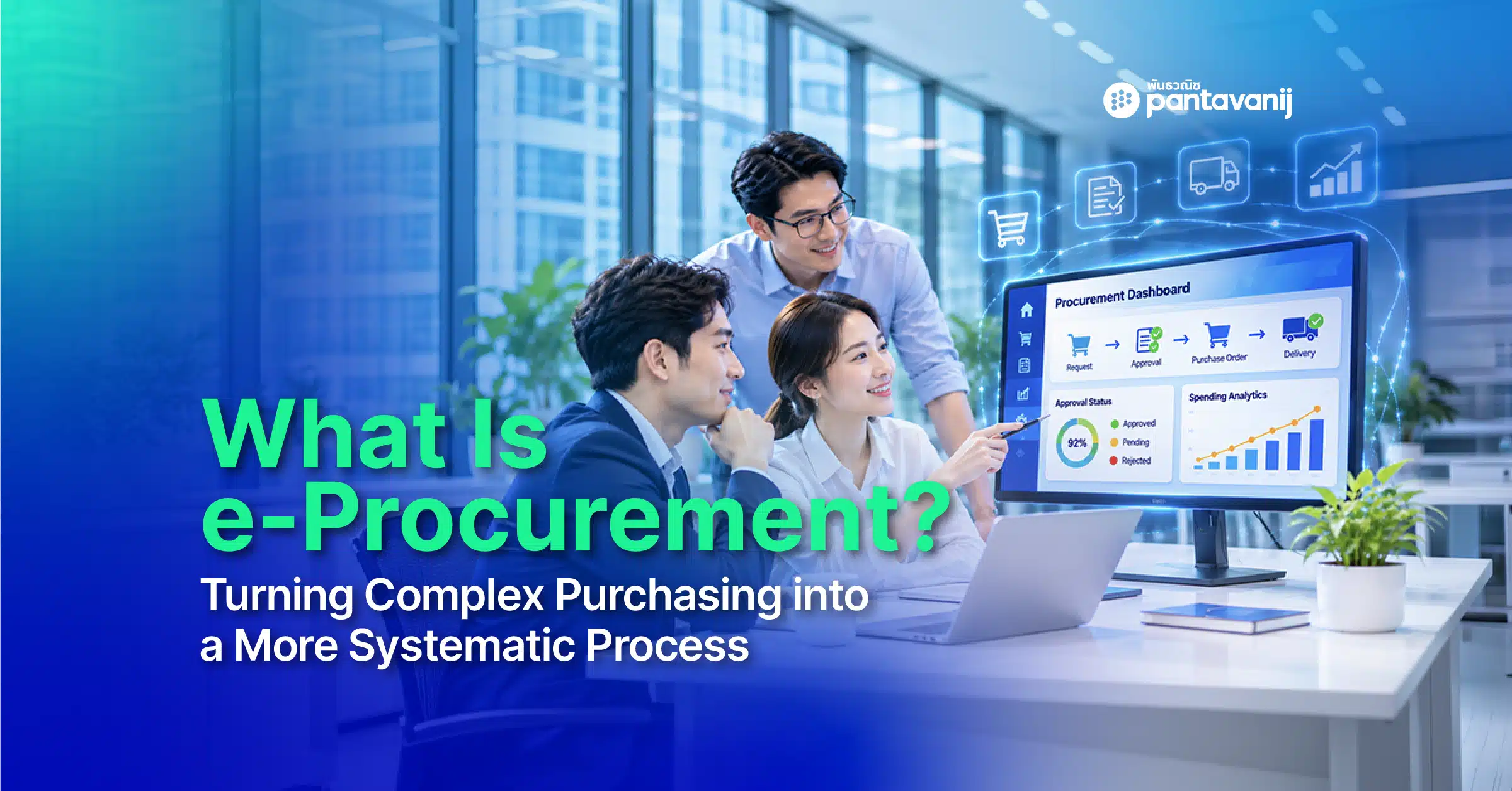
What Is e-Procurement? Turning Complex Purchasing into a More Systematic Process
e-Procurement, or Electronic Procurement, is the use of digital systems to manage and connect the entire procurement process: planning requirements, sourcing and selecting suppliers, requesting approvals and issuing purchase orders, receiving goods, verifying invoices, and passing data on for payment. Every team can work from the same information in a single system.
It is therefore more than an online ordering channel or a tool for creating purchase requests and purchase orders. It organizes the data, steps, responsible people and documents involved in purchasing, and keeps them connected from start to finish.
For organizations that still rely on paper documents, email or multiple spreadsheets, the problem often does not lie in any single step. It lies in scattered data that cannot be tracked continuously. An e-Procurement system helps turn a complicated process into a standardized one, with visible status and data that can be used to plan purchasing more effectively.
What Is e-Procurement, and Why Does It Matter to Organizations?
A single purchase involves far more people than the procurement team: requesters, approvers, sourcing, finance, accounting and external suppliers. Each party must pass data, documents and approvals to the next across many steps.
When an organization works with paper or disconnected systems, problems such as these can arise:
- PR, PO, GR and invoice data is spread across multiple sources
- Approval and budget status are hard to track
- The same data must be re-entered, increasing the risk of errors
- Gathering data for audits or planning takes a long time
e-Procurement connects purchasing data and steps on one digital platform: stating a need, checking the budget, submitting for approval, issuing orders, receiving goods and checking documents before payment.
Organizations can clearly define workflows, responsibilities, access rights and approval conditions. The system supports goods, services and contracted work, not just office supplies or catalog items.
How Does e-Procurement Change the Way Procurement Teams Work?
Moving procurement to a digital system does not mean simply turning existing paperwork into online files. It means designing the process so that data from each step can be passed along and verified together.
| Traditional procurement | With a digital procurement system |
|---|---|
| Documents created and sent through multiple channels | Data and documents linked through a workflow |
| Approvals tracked through paper or email | Approval status and steps checked in the system |
| Supplier information collected from many sources | Supplier data stored systematically to support selection |
| PO, GR and invoice checked separately | Documents linked to help verify consistency |
| Same data re-entered at multiple steps | Existing data reused in the next step |
| Data summarized only at the end | Data used to track budgets and plan purchasing |
| Retrospective checks across many documents | History and actions searchable from central data |
The value lies not in having many features, but in letting data flow from start to finish. When data is not interrupted, procurement teams spend less time collecting documents, while approvers, finance and executives can review relevant information more easily.
What Processes Does e-Procurement Cover?
Scope varies with organization size, procurement policy and existing systems, but generally it can cover everything from the moment a need arises to passing data on for payment.
In summary, the workflow is:
Request a purchase → Check budget and approve → Select supplier and issue PO → Supplier delivers → Verify documents and send for payment → Analyze procurement data
1. Plan Requirements and Source Suppliers
The process starts by identifying the goods or services needed, the budget and the delivery period, so procurement can decide whether to use an approved supplier or source new ones.
When sourcing is required, the organization can request information, proposals or quotations from several suppliers, then compare prices, specifications, commercial terms, delivery capability and related risks to select the most suitable one.
2. Create a Purchase Request and Obtain Approval
Once requirements and details are defined, the requester creates a Purchase Requisition (PR) in the system, specifying the goods or services, quantity, estimated price, cost center and supporting documents.
The system routes the PR through an approval workflow based on the organization’s rules, such as department, purchase type, amount or approval authority. Everyone involved can see where the request stands, who is responsible and what action is needed next.
A clear workflow also reduces lost documents, requests sent to the wrong approver, and steps skipped in violation of procurement policy.
3. Issue a Purchase Order and Send It to the Supplier
Once the PR is approved, procurement issues a Purchase Order (PO) to confirm the items, quantities, prices, terms and delivery schedule with the supplier.
Linking PR data to the PO reduces duplicate entry and the chance of discrepancies between what departments requested and what the organization actually ordered. Buyers and suppliers can also use the same order data as a shared reference when coordinating.
4. Receive Goods and Verify Delivery
When the supplier delivers the goods or performs the agreed services, the responsible person records a Goods Receipt (GR) to confirm that delivery matches the quantity, quality and conditions stated in the PO.
If items are missing, delivered late or differ from the order, this can be recorded for follow-up and used to evaluate supplier performance in the future.
5. Verify Invoices and Send for Payment
When an invoice arrives from the supplier, the system can link the data to help confirm what was ordered, how much was received and whether the amount billed matches what actually happened.
This check is called 3-Way Matching: comparing the Purchase Order (PO), Goods Receipt (GR) and Invoice. Once the data passes verification, it is forwarded to finance and accounting to proceed with the organization’s payment process.
6. Analyze Data and Track Procurement Performance
Data generated throughout the process can be used to track budgets, analyze spending and monitor operational efficiency. Key examples include:
- Purchase value by department or category
- Budget status and spending
- Time from PR creation to PO issuance
- Supplier purchase and delivery history
With this data in one system, procurement gains a clearer view of the overall picture and where to improve, and can use it for budget planning and future procurement strategy.
Who Is Involved in the Procurement Process on the System?
Procurement and sourcing teams are the main users, but success depends on cooperation across many functions.
| Stakeholder | Role in the system |
|---|---|
| Requester | States the need, creates the PR and attaches supporting information |
| Procurement and sourcing | Sources, compares and selects suppliers, and issues POs |
| Approver | Reviews necessity, budget and policy compliance |
| Finance and accounting | Checks budget, documents and data before payment |
| Goods receiver or inspector | Confirms quantity, quality and delivery |
| Supplier | Receives requests or orders, delivers goods and submits invoices |
| Executives | Monitor spending, risk and process efficiency |
Defining roles and permissions clearly from the start lets each party see the data they need, act within their responsibilities, and avoid confusion when handing off work.
How Should an Organization Plan to Start Using e-Procurement?
Adoption should not begin with choosing features alone. Begin by understanding the current process and the outcomes the organization wants.
1. Review Current Processes and Pain Points
Review where purchasing starts and ends, who is involved, which documents are used and which steps take the most time. Also look for issues such as duplicate data, delayed approvals or outdated budget tracking.
2. Define the Scope to Move onto the System
An organization does not always need to change every process at once. It can start with PR-to-PO, approvals, catalog purchasing or invoice matching, then expand as it becomes ready.
3. Design Workflows and User Permissions
Define requesters, approvers, procurement, receivers and finance, and set rules by amount, department, product type or approval authority.
4. Prepare the Necessary Data
Essential data includes user lists, suppliers, goods and service items, cost centers, budgets, organizational structure and data from existing systems that must be imported or integrated.
5. Pilot, Train and Follow Up
Test the workflow in real scenarios before full rollout, train each user group, and set up a channel for feedback so the process can be adjusted to real working conditions.
EP One: Elevate Procurement with Automation and Connected Data
EP One is an end-to-end Enterprise Procurement Suite that connects procurement data and steps in a single system, with automation, budget control and document verification so that everyone involved can work together in an orderly way.
Key features of EP One include:
Smart eCatalog Lets users buy from approved suppliers through an electronic catalog, with an experience similar to online shopping, while helping the organization control permitted items, prices and suppliers.
Workflow Builder Designs workflows and approval sequences that match the organization’s policies and conditions, such as amount limits, request types or responsible departments, making approvals standardized and easy to track.
GUI Configuration Supports adding fields and screen elements to fit the organization’s data and processes, reducing the need for additional customization development.
eInvoice Matching Performs 3-Way Matching between PO, GR and invoice to confirm that the order, goods received and billed amount are consistent before the data moves on to payment.
EP One also reduces manual work, provides real-time budget control, and stores data to support transparency, retrospective audits and organizational compliance.
Learn more about Pantavanij’s enterprise e-Procurement platform.
Frequently Asked Questions About e-Procurement
Q1 : What does e-Procurement stand for?
A : e-Procurement stands for Electronic Procurement: using electronic systems or digital technology to manage the procurement process, from the purchase request through document verification and passing data on for payment.
Q2 : Is e-Procurement a system or a process?
A : The term can refer both to an approach of managing procurement with technology and to the system that supports the work. The system links data, stakeholders, workflows and documents across each step.
Q3 : Can an e-Procurement system connect to an ERP?
A : It can be designed to connect with an ERP, accounting system or other internal systems, depending on the system’s capabilities, data formats and the integration scope the organization defines. Technical details should be confirmed with the provider before the project begins.
Q4 : Does an organization have to change all of its existing workflows?
A : Not necessarily. Review existing workflows first to see which steps the policy requires, which are redundant and which can be automated. Then design the workflow on the system to fit your goals and real-world operations.
Q5 : What data should be prepared before getting started?
A : Prepare the organizational structure, users and access rights, approval hierarchy, suppliers, goods and service items, budgets and cost centers, plus data from ERP or legacy systems that must be imported or integrated.
Make Procurement More Connected and Auditable
e-Procurement connects purchasing work scattered across documents, email and multiple systems into a process with a clear workflow, trackable status and shared data, from stating a purchase need through to passing it on for payment.
For organizations looking to elevate their procurement process, EP One brings workflow, data, budgets and document verification together on one platform, and adapts to the organization’s policies and structure.
Contact the Pantavanij expert team for a consultation and more information.